Your own Broken Link Checker

Python Script : Crawl a website ,take screenshots and save it in word doc.
Steps to execute this script
-
Create a folder 'link Checker' and place this script in it.
-
Create a folder 'shots' and place it inside 'link Checker' folder.
-
Change below variables
- url ="website url "
- SaveDirectory=r ' 'screenshot directory"
-
Execute the program.
import requests
from BeautifulSoup import BeautifulSoup
import webbrowser
import os
import sys
import time
import Image
import ImageGrab
import win32com.client as win32
import os
import time
import glob
url = "http://www.dhatricworkspace.com"
response = requests.get(url)page = str(BeautifulSoup(response.content))
alllist = [];
httplist = [];
otherlist = [];
SaveDirectory=r'C:\Users\Giridhar\Desktop\link Checker\shots'
ImageEditorPath=r'C:\WINDOWS\system32\mspaint.exe'
def getURL(page):
"""
:param page: html of web page (here: Python home page)
:return: urls in that page
"""
start_link = page.find("a href")
if start_link == -1:
return None, 0
start_quote = page.find('"', start_link)
end_quote = page.find('"', start_quote + 1)
url = page[start_quote + 1: end_quote]
return url, end_quote
while True:
url, n = getURL(page)
page = page[n:]
if url:
#print url
alllist.append(url)
else:
break
#print alllist
for httpurl in alllist:
if httpurl.find("http")!=-1:
httplist.append(httpurl)
else:
if httpurl.endswith("/",0,1):
otherlist.append(httpurl)
#print httplist
#print otherlist
new = 0
i=1
for browsing in httplist:
webbrowser.get('windows-default').open(browsing,new=new)
time.sleep(10)
img=ImageGrab.grab()
print browsing
saveas=os.path.join(SaveDirectory,'ScreenShot_'+str(i)+'.jpg')
img.save(saveas)
i += 1
if i == 10:
break;
#---------------------------------code to move images to word-------
allpics = []
allpics=glob.glob(os.path.join(os.path.abspath("."),'shots/*.JPG'))
wordApp = win32.gencache.EnsureDispatch('Word.Application') #create a word application object
wordApp.Visible = False # hide the word application
doc = wordApp.Documents.Add() # create a new application
for pic in allpics:
current_pic = doc.InlineShapes.AddPicture(pic)
current_pic.Height= 400
current_pic.Width= 400
doc.SaveAs(os.getcwd()+'\dhatricworkspace.docx')
wordApp.Application.Quit(-1)
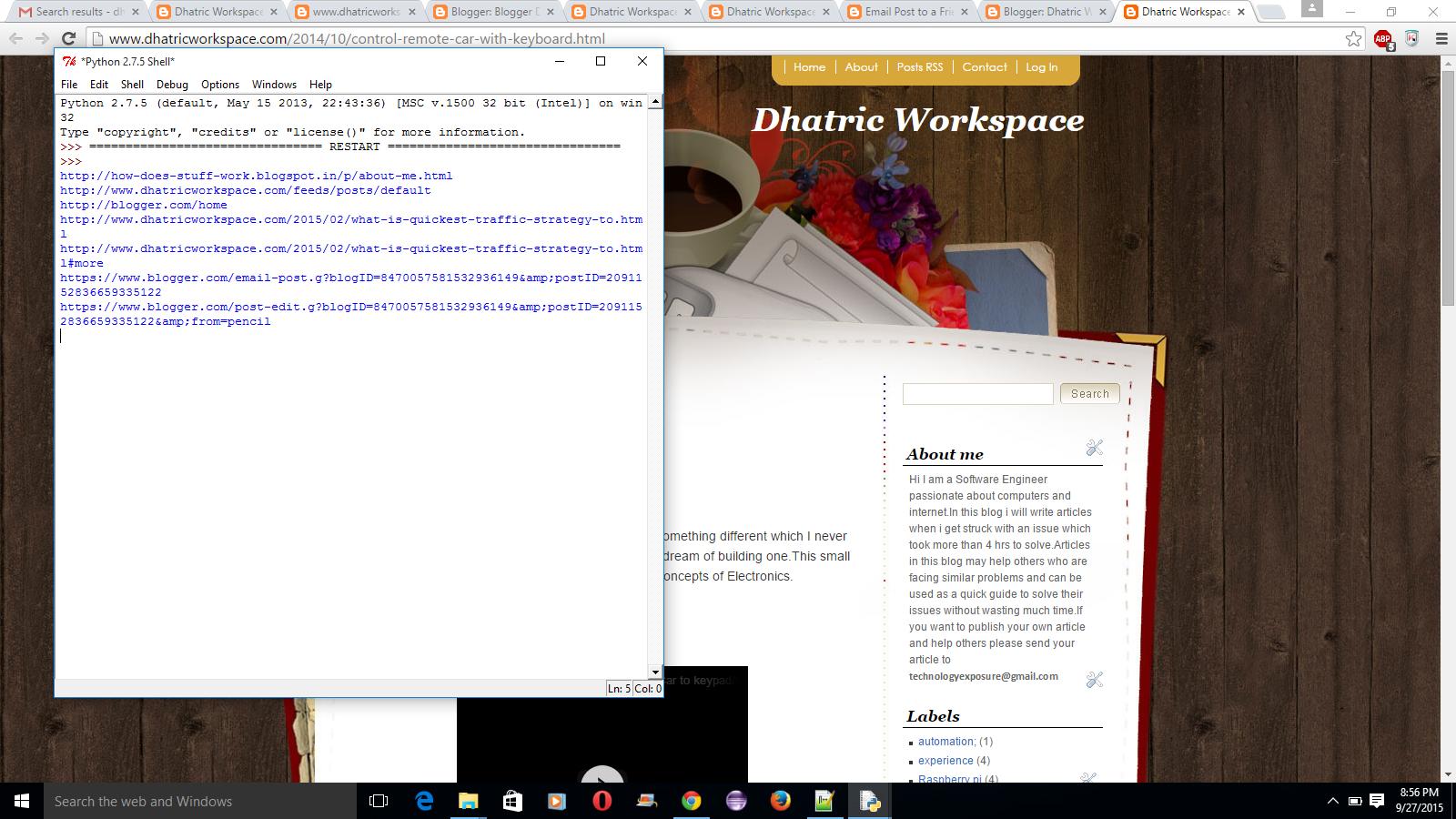
After execution of script ,it will automatically open the default browser and crawl all the pages it in and takes screenshot of all pages.
Once done with the screenshots it will create a doc file with all screenshots in it.